Chatbot
Available from version >= 6.7.0
The IntelOwl chatbot is a locally-hosted LLM assistant that answers natural-language questions over your threat-intelligence data. It runs entirely on your own deployment (Ollama) and never sends data to external APIs — your jobs, observables and reports never leave the instance.
The chatbot is an optional component. If your deployment was not started with the Ollama service, the chat button does not connect; see the deployment guide to enable it.
What it can do
Ask in plain language and the assistant answers by calling read-only IntelOwl tools on your behalf:
- search your jobs and show a job's details;
- summarize a job — including IntelOwl's verdict on the observable — or an investigation;
- show an investigation's job tree;
- show a job's aggregated data model;
- list the analyzers available on the instance;
- recommend a playbook for an observable.
Everything it returns is scoped to what you can already see in the UI (your own data, plus what your organization and TLP visibility allow). The chatbot cannot reveal anything you could not reach through the normal interface.
Opening the chat
Click the chat-bubble icon in the top navigation bar to open the chat drawer. The drawer overlays the current page and the rest of the app stays usable while it is open; it also stays available as you navigate between pages.
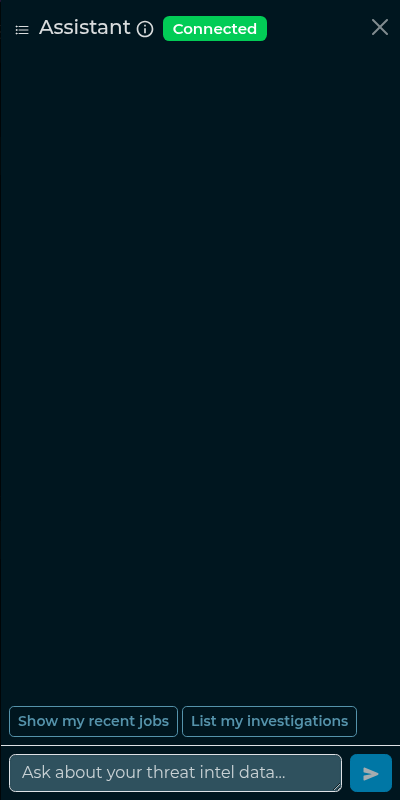
A small status badge shows whether the assistant is connected and ready.
Asking a question
Type a question and press send. The answer streams in token by token. When a question needs data, the assistant calls one of the tools above and shows the result formatted (tables, lists and links are rendered).
Example questions:
- "Show me my most recent jobs."
- "Summarize job #1234."
- "Is job #1234 malicious?"
- "Which analyzers can run on a domain?"
- "Which playbook should I use for an IP address?"
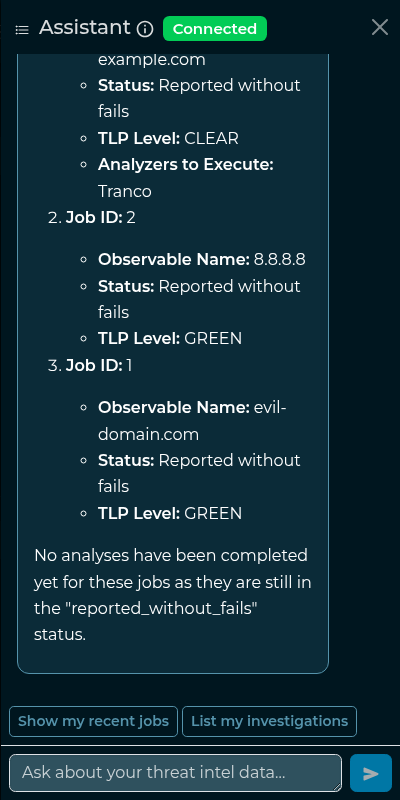
Quick actions
Below the input you'll find one-click quick actions. They are context-aware: on a job page they offer job actions ("Summarize & evaluate", "Which plugins ran?", "Show job details"), on an investigation page they offer investigation actions, and elsewhere they offer general ones ("Show my recent jobs", "List my investigations"). Clicking a chip sends the corresponding question for you.
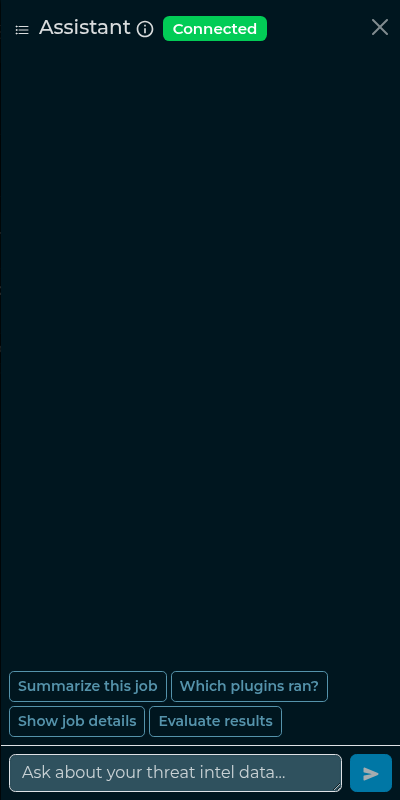
The verdict on a job
Available from version > 6.7.0
When you summarize a job, the assistant also reports IntelOwl's own verdict on the observable — the same evaluation the job page badge shows — together with the evidence behind it: which analyzers support it, which disagree, and which produced no opinion at all.
The verdict is never the model's own judgement. It is the platform's reconciliation of the analyzer
data models, so the chatbot says the same word the badge does. When no analyzer produced an
evaluation — or the observable is a generic one, which IntelOwl does not evaluate — the assistant
reports that instead of guessing.
Because the verdict travels with the summary, "summarize job #N", "evaluate the results of job #N" and "is job #N malicious?" all reach it.
Working with the page you're on
The chatbot knows which page you are viewing. If you are on a job or investigation page, you can refer to "this job" / "this investigation" and the assistant resolves it from the current page — no need to copy the ID.
Conversations
Each chat is saved as a conversation so you can come back to it. From the drawer you can:
- start a new chat;
- open the conversation list to switch between past conversations;
- review a conversation's history (older messages load automatically);
- delete a conversation you no longer need.
Old conversations are pruned automatically after a retention period configured by the operator (see the advanced configuration).
Launching an analysis safely
The chatbot can suggest running a new analysis on an observable, but it cannot start one by itself. When you ask it to analyze something, it shows a preview of what would run and a Confirm / Cancel card. The analysis starts only when you click Confirm (Cancel discards it). The same TLP and visibility rules as the normal analysis flow apply.
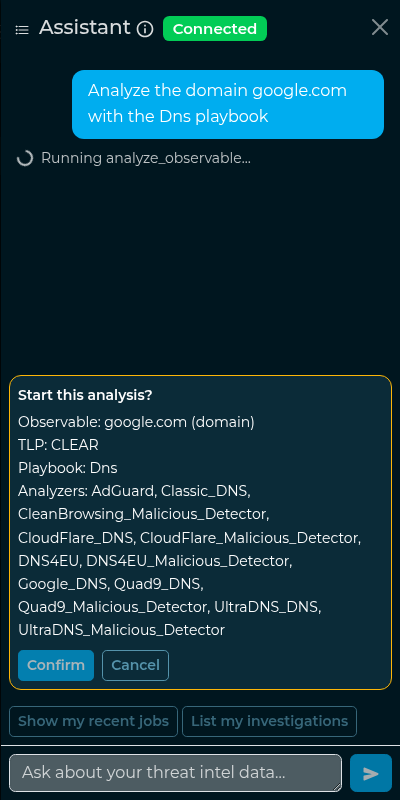
This is a deliberate safety guardrail: even if the model misbehaves, it has no path to launch an analysis — and therefore cannot send an observable to external analyzers — without an explicit click from you.
Limits and availability
- Rate limit. To protect the instance there is a per-user limit on how many messages you can send per minute; if you hit it, wait a moment and try again.
- Model availability. If the chatbot worker or the Ollama service is not running, the drawer shows an "unavailable" state instead of the connected badge and turns are not served — ask your operator to enable/restart the Ollama service.
- Long conversations. A conversation is kept in full, but a very long one can exceed the model's
context window (
num_ctx); when that happens Ollama drops the oldest tokens, so the assistant may lose the earliest messages. There is no automatic summarization of the conversation.